
Are you looking for a Scandinavian light fixture, a stoneware vase, or a linen cushion, and you land on an online decor store? The main menu displays about ten categories. You click, go back, click again.
Three minutes later, you still haven’t found what you wanted. The problem doesn’t lie with the catalog, but with the way you navigate through it. The sitemap, that often-ignored page, exactly solves this type of frustration.
What the sitemap reveals about the organization of a decor store
A sitemap is not just a simple alphabetical index. It is a comprehensive mapping of the catalog’s architecture, which displays at a glance all the categories, subcategories, and editorial pages of a store.
On a decor site, products are often classified according to several logics: by room (living room, bedroom, bathroom), by type of object (furniture, textiles, lighting), or by style (bohemian, industrial, japandi). The main navigation menu cannot show everything. It displays the most popular categories and hides the rest behind submenus.
The sitemap, on the other hand, reveals the entire structure. You discover categories that you would never have found by clicking through the menu. A “sales” section buried at the third level, a capsule collection, a material care guide – everything becomes visible.
By consulting the sitemap of La Petite Déco, you can spot in seconds the exact category that matches your search, without going through the classic menu-submenu-filter path.
Navigate by purchase intention rather than by product category
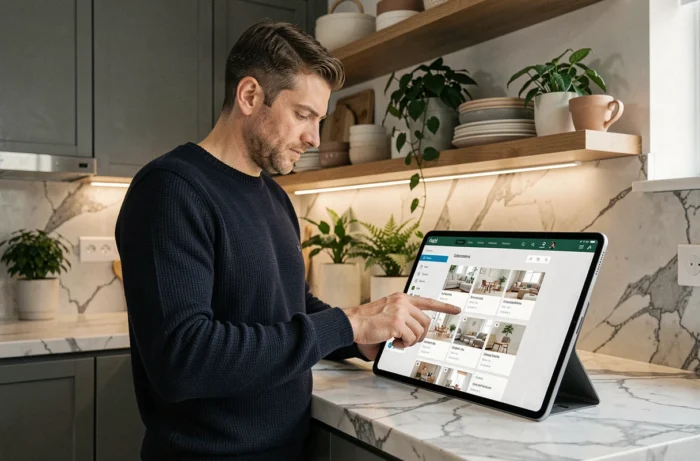
Most visitors to an online decor store do not arrive with a specific product name in mind. They have a vague intention: “redo the living room decor,” “find an original gift,” “furnish a small balcony.” The main menu, organized by type of object, does not meet this need well.
The sitemap allows you to identify thematic pages that correspond to your project rather than to a product category. Some stores create dedicated pages for themes (“reading corner,” “summer terrace,” “home office”) that group products from several categories. These pages do not always appear in the main navigation.
By browsing the sitemap, you identify these cross-groupings. You shift from a logic of “I’m looking for a shelf” to a logic of “I want to furnish my entryway,” which is often closer to your actual need.
Using the sitemap when the search bar is not enough
Have you ever typed “wall decoration” into a site’s search bar and received hundreds of mixed results? Paintings, mirrors, shelves, stickers, clocks – it all comes up. Textual search works poorly when the vocabulary is broad.
The sitemap compensates for this limitation. It shows you the structure designed by the merchant, with categories that are more precise than what an internal search engine can guess. You can directly spot “decorative mirrors” or “posters and illustrations” instead of manually sorting through dozens of results.
Concrete tips for using an online decor sitemap
Accessing the sitemap of a store rarely takes more than two clicks. Here’s how to make the most of it.
- Look for the link in the footer: most online stores place a “Sitemap” link at the very bottom of the page, next to legal notices and delivery terms.
- Use your browser’s search function (Ctrl+F on computer, “Find in page” on mobile) to find a specific keyword in the sitemap. Type “linen,” “rattan,” or “outdoor” and you will directly access the relevant categories.
- Open the sitemap in a new tab and keep it open throughout your shopping session. It serves as a permanent reference point to return to any section without retracing your navigation path.
- Identify the editorial pages (guides, inspirations, tips) that often appear at the bottom of the sitemap. These contents help refine your choices before making a purchase.
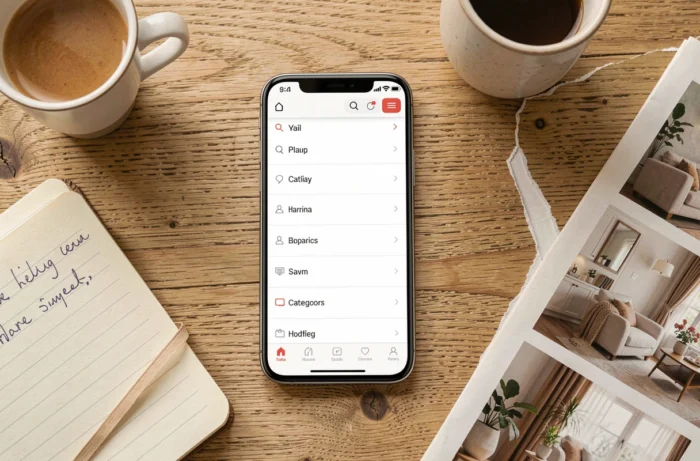
Mobile navigation and sitemap: why it’s even more useful on a phone
On a smartphone screen, navigation menus become compact hamburger menus. Each click opens a sub-level, then another. Three levels of depth are enough to lose most mobile visitors.
The sitemap bypasses this problem. It displays the entire structure on a single scrollable page. On mobile, you scroll the page with your thumb and tap on the desired category. No menu to open, no going back, no intermediate page reloads.
Decor stores that offer extensive catalogs (several hundred references spread across dozens of categories) particularly benefit from this shortcut. Its mobile equivalent (“Find in page” accessible via the browser menu) also works on the sitemap.
Bread crumbs and sitemap: two complementary tools
The breadcrumb trail, that line of text that displays “Home > Living Room > Sofas > 3-Seater Sofa,” tells you where you are. The sitemap shows you all possible directions from any point. The two work together: the breadcrumb trail to go up a level, the sitemap to change direction completely.
Keeping the sitemap reflex changes the quality of your navigation on an online decor store. You spend less time searching, discover categories that the main menu does not highlight, and maintain an overview of the catalog even on a small screen.
The next time you feel lost on a decor site, scroll down to the footer: the sitemap is probably there, just a click away.